
Latest News

Getting started with your Microsoft Teams upgrade
Whether your #nonprofit organization is upgrading from the online or on-premises version of Skype for Business to improve the efficiency of remote workers during #coronavirus, “Getting started with your Microsoft Teams upgrade,” brought to you by @msftnonprofits, helps make sure you have a successful journey. Find out why you should upgrade, when to upgrade, and how to use the upgrade framework to guide you through the process. #Tech4Good #SocialImpact #DigitalTransformation @Microsoft-365 @Office365
Teams Tools Interactive eBook
Empower your #nonprofit team to do more during #COVID19 by identifying which collaboration tools work best for your organization. The “Teams Tools Interactive eBook,” brought to you by @msftnonprofits, shows you how Microsoft Teams helps employees work together seamlessly and how to foster a new level of creativity and collaboration. Learn how to…
• Communicate without effort
• Increase productivity through system integration
• Customize collaboration features for individual teams
• Work with confidence that information is secure
#Tech4Good #SocialImpact #DigitalTransformation @Microsoft-365 @Office365
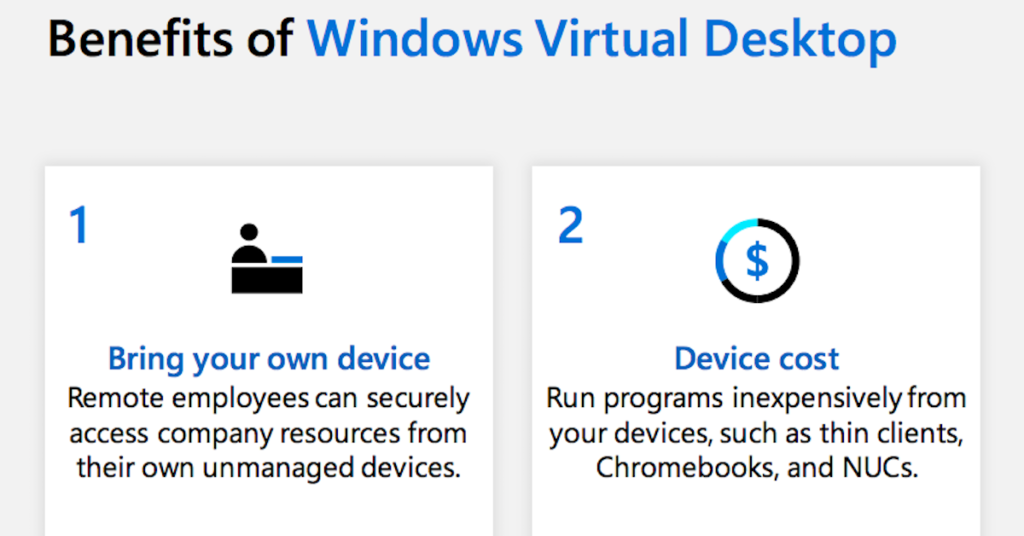
Enabling your remote workforce infographic
Looking for a virtual environment to make work more accessible, flexible and secure? How about saving money too? Learn the benefits of Windows Virtual Desktop here.

The Benefits Of SaaS For Managing Cloud Security Threats
In today’s dynamic markets, having flexible technologies that adapt to these shifts is critical for any business. In this article, you’ll learn how software-as-a-service (SaaS) models like #Microsoft365 are becoming key enablers for organizations to empower end-user collaboration and enhanced #EnterpriseSecurity.

Windows Virtual Desktop
Get all the tools and resources you need to migrate your apps, data and infrastructure at your own pace with confidence. In the video below, learn how Windows Virtual Desktop expands capabilities with the best virtualised end-user experience.
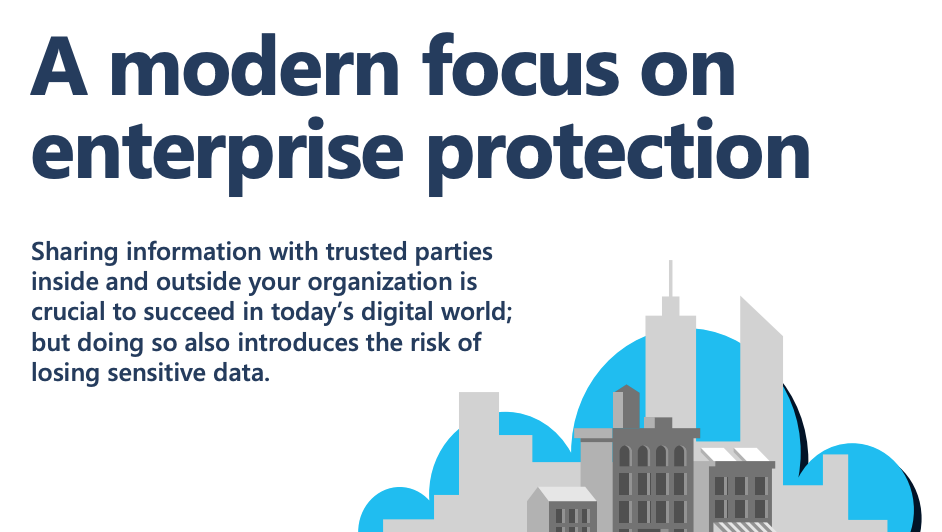
A modern focus on enterprise protection
Increased risk always goes hand in hand with amplified connectivity. Thus, when moving to the cloud, businesses’ must ensure the security and complete oversight of their sensitive data. Read this infographic to learn how you can protect and safeguard your organization’s critical information with #Microsoft365.
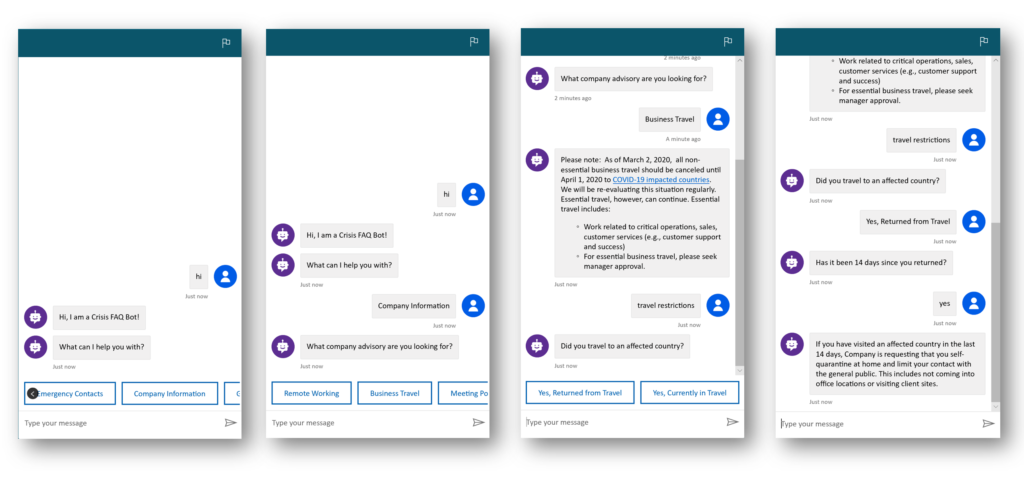
Building a Crisis FAQ bot using Power Virtual Agents
“Building a Crisis FAQ bot using Power Virtual Agents,” brought to you by @msftnonprofits, shows how #nonprofits can use Power Virtual Agents from Microsoft to build crisis response bots during times of work-from-home mandates that help triage inbound inquiries, personalize outbound responses, and improve information sharing and collaboration. #Tech4Good #SocialImpact #DigitalTransformation @Microsoft-365 @Office365
Protect your data with secure and resilient productivity applications. Get started with Microsoft 365.
Today’s productivity applications need to seamlessly connect employees with clients, peers, and projects while guaranteeing they can do so from any device or location around the world. Follow Qaixen to learn how you can utilize the advanced productivity and security features of #Microsoft365 to ensure real-time access to your work, regardless of where you are.

BYL Social Asset 1: Subscribe Now
Keep up with the latest technological trends and learn how Windows Virtual Desktop continues to help employees maximise their productivity and security through this virtual experience. Subscribe today, build for tomorrow.